From notification to experience: richer push and in-app messaging with Taguchi
In 2026, mobile is where customers manage loyalty, place orders, make bookings and interact with brands every day. The opportunity is significant—but so is the risk of treating the app as another disconnected broadcast channel.
Customers expect each interaction to recognise the wider relationship. Adobe’s 2026 AI and Digital Trends research finds that 72% of organisations believe breakthrough customer experiences will be seamless across digital and physical touchpoints. That requires connected data, relevant content and a useful next step—not simply another notification.
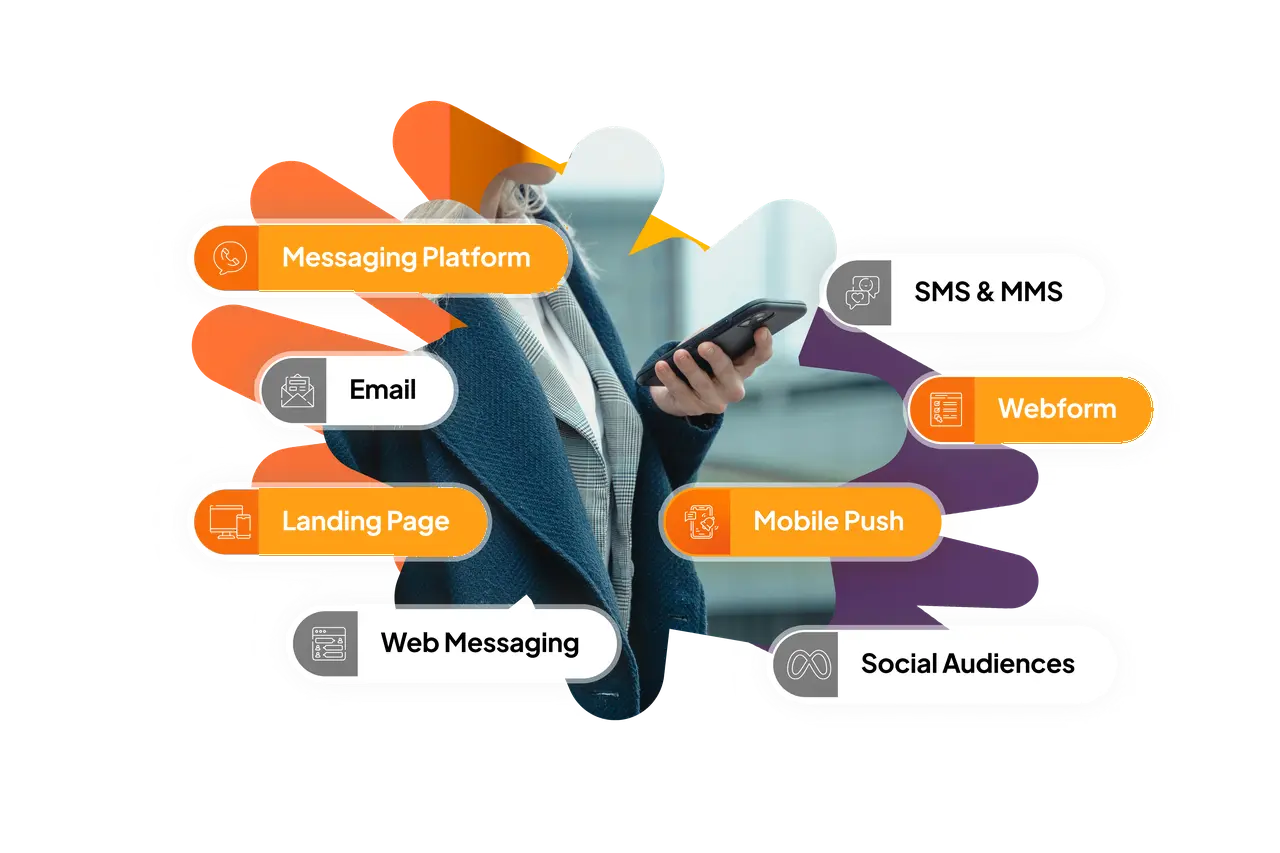
Taguchi’s latest developments bring those pieces together. An upgraded push editor, first-class in-app messaging, device-aware targeting and dedicated reporting now sit inside the campaign environment used for email, SMS, WhatsApp and web experiences.
Make the mobile app a first-class channel
Mobile engagement begins with identity. One customer may change phones, use several devices or interact with more than one brand app. Treating each device token as a separate person creates duplication and weakens relevance.
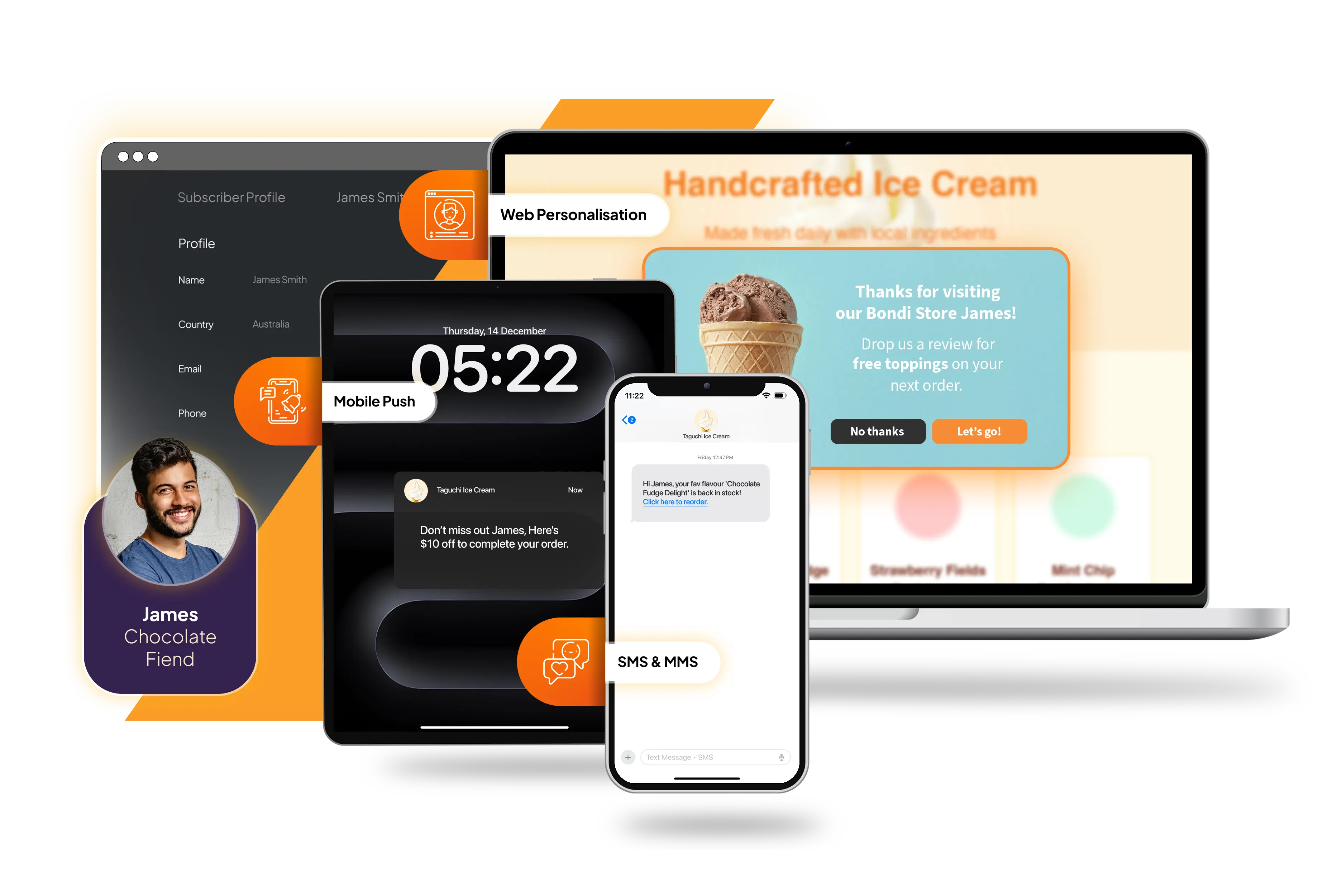
Taguchi connects registered app devices to the subscriber profile. Application, platform, device type, model, language and activity information give the platform context about where a message belongs. Teams can manage those memberships from the customer record instead of maintaining a mobile audience silo.
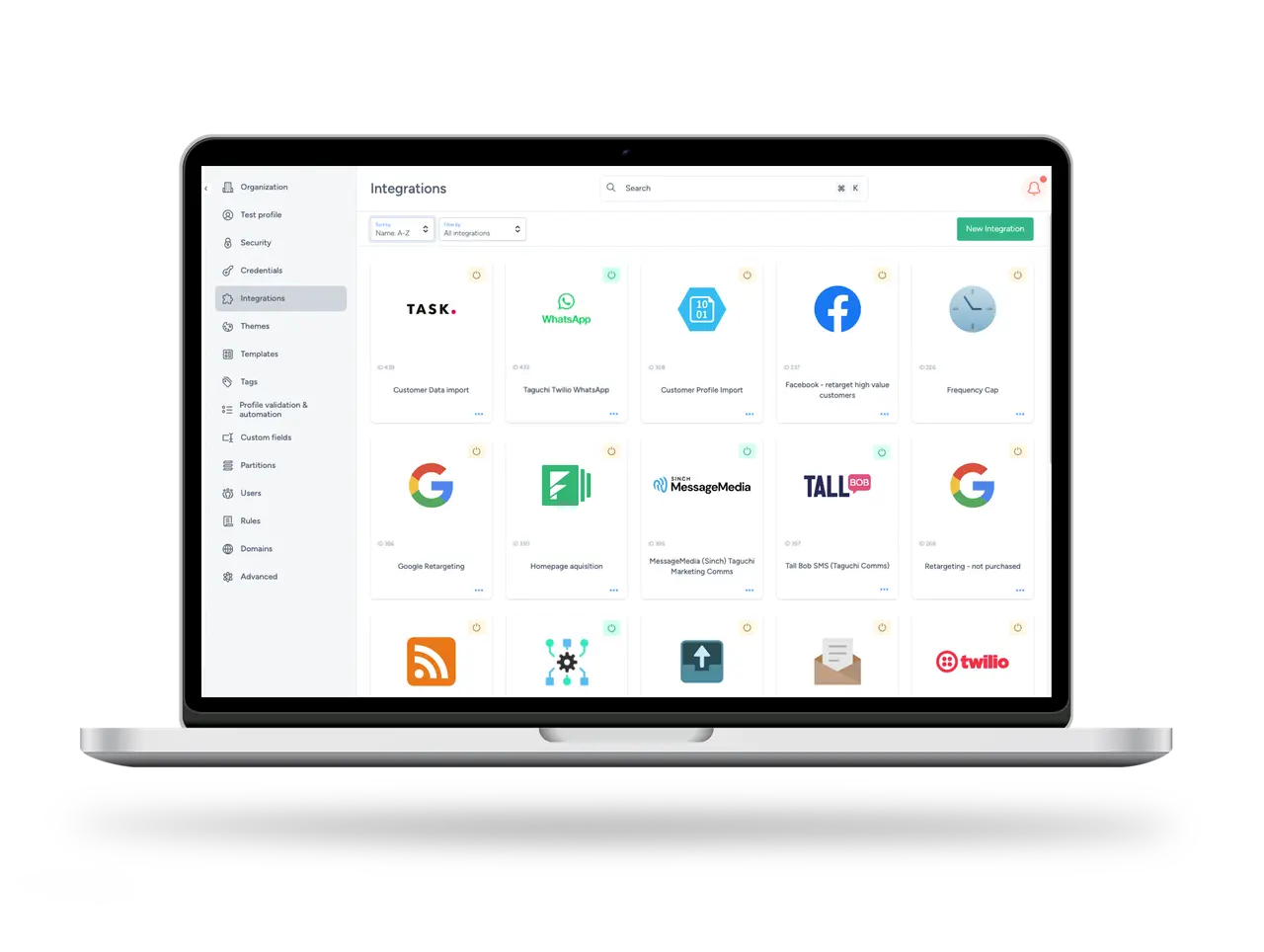
Push activities connect to a deployed messaging integration and address Apple iOS, Android and web channels from one configuration. They use familiar broadcast, scheduled and event-triggered workflows, making mobile part of an established lifecycle programme rather than a specialist process.
Build richer push messages in one editor
The upgraded push editor gives marketers control of titles, body copy, imagery, click actions and buttons. A tap can open a URL, follow a deep link or launch a specific in-app message. AI-assisted suggestions in key text fields help teams move past the blank page while keeping editing and approval in human hands.
International campaigns can choose from 25 language options, with default-language content as a fallback. Channel-aware character counts, image guidance and button limits reflect the most restrictive selected platform, helping one coherent activity work across devices without late production surprises.
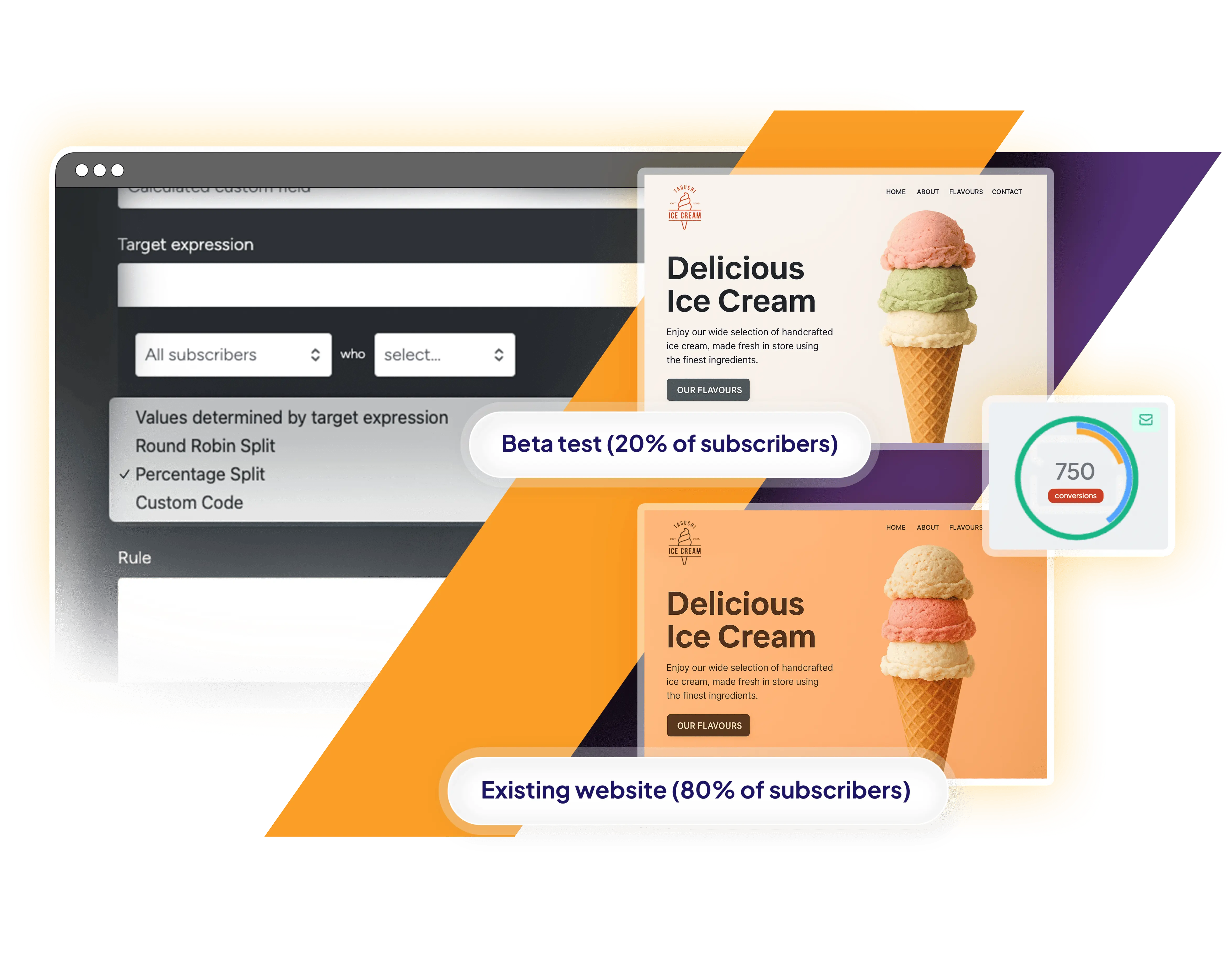
Variants of titles, body copy, images, actions and buttons can be assigned to audience segments inside the activity. Marketers can preview the result in recognisable iOS, Android and web contexts, bringing personalisation and device suitability into the same creative review.
Continue the conversation inside the app
A notification is intentionally compact. In-app messaging makes room for onboarding guidance, a loyalty reward, a product discovery sequence or a service update while the customer is already engaged.
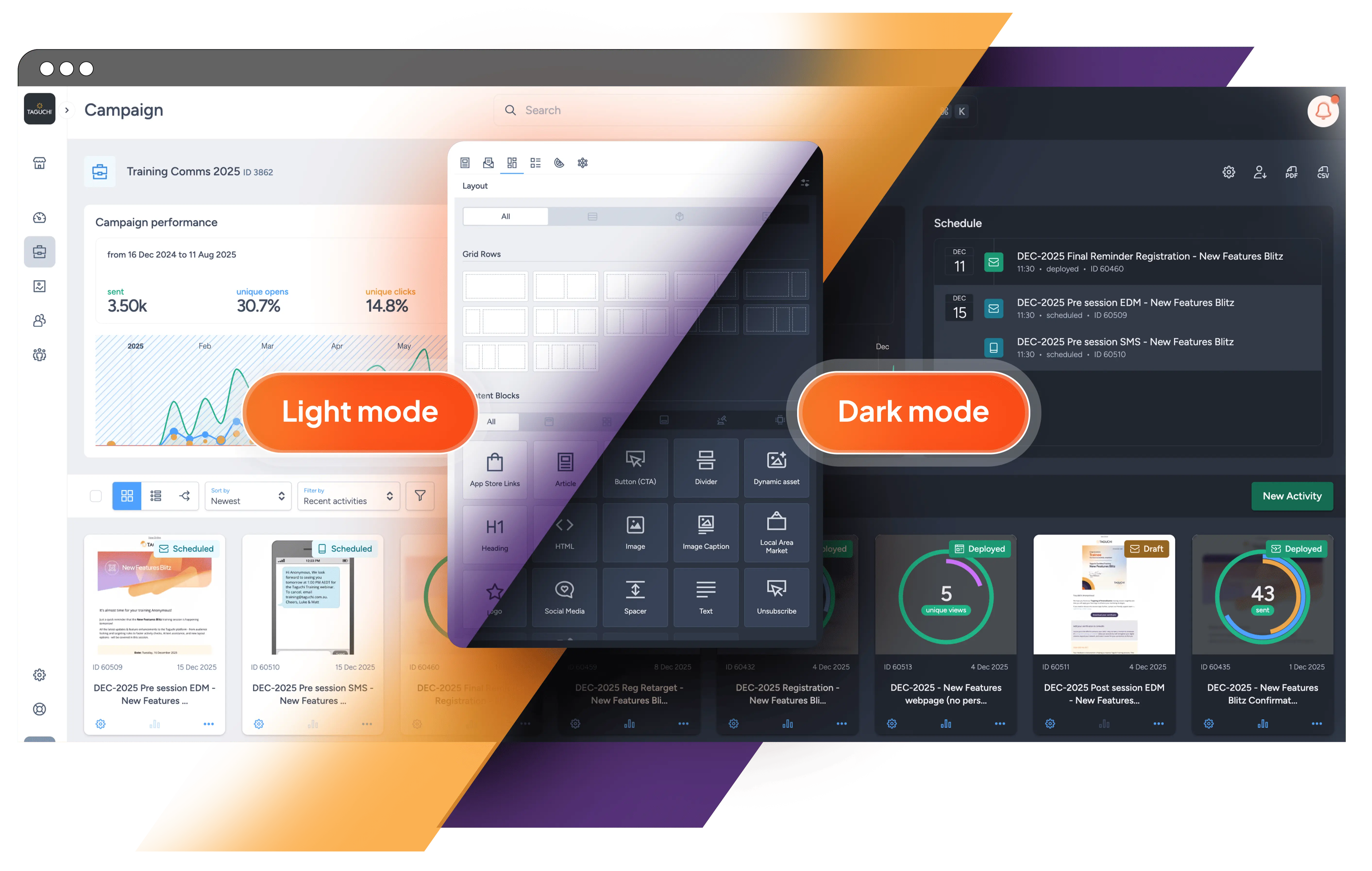
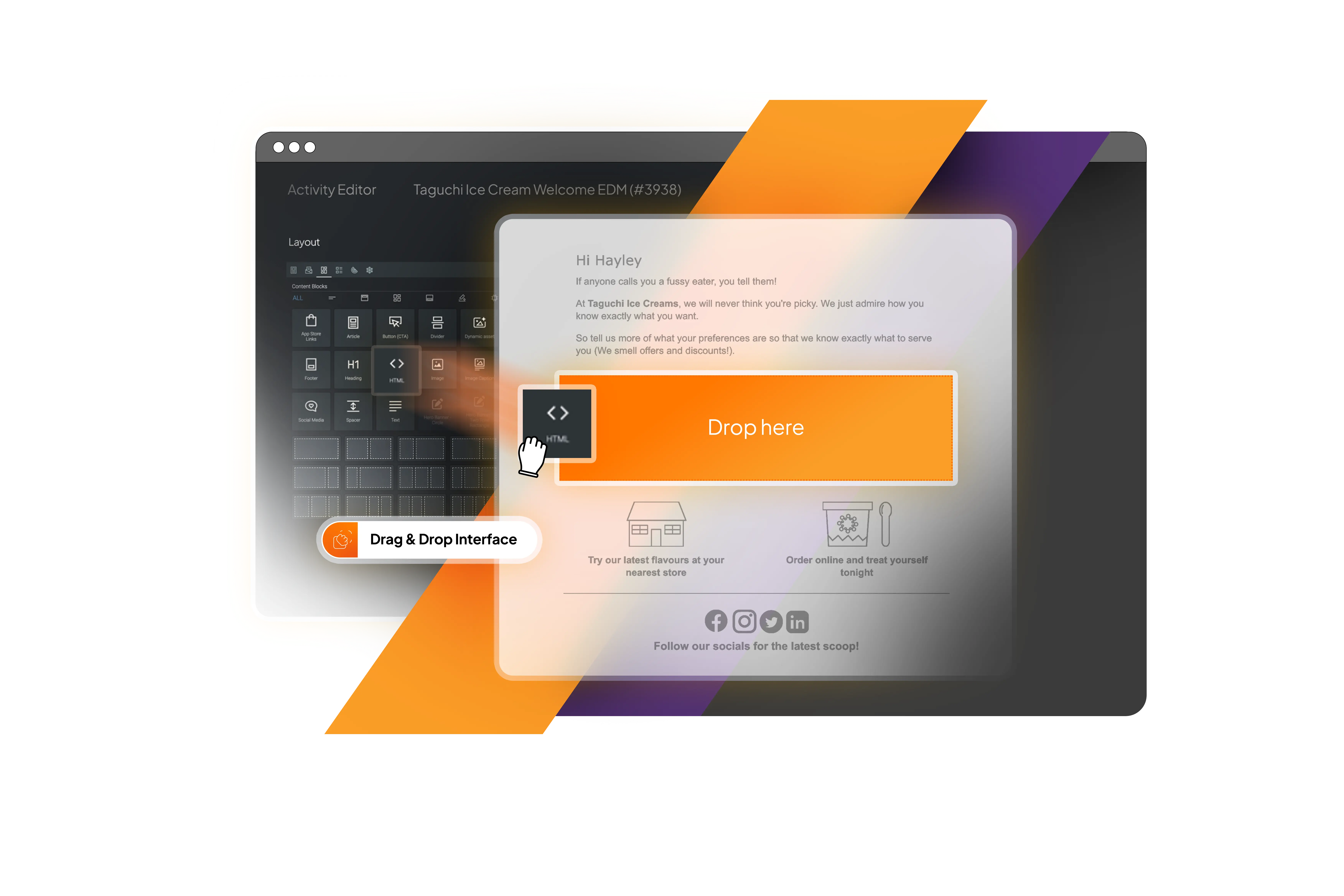
In-app messages are now native Taguchi activities, created with the platform’s visual, drag-and-drop approach. Teams can combine reusable text, image, call-to-action and custom HTML blocks, position imagery and control styling. Four presentation styles—full screen, top aligned, partial overlay and bottom aligned—help the experience suit its purpose without a custom build each time.
Experiences can contain several pages, using manual navigation or a carousel with looping, autoplay, pagination and arrows. Calls to action can use deep links, move between pages or copy a promotional code. iOS and Android previews show the message in context, while close-button treatment remains under the marketer’s control.
Target the person—and choose the right device
Relevance is not achieved by sending to every device ever registered. Taguchi lets teams choose the last active device, the last converted device or the last active device on each platform—a practical balance between reach and restraint for customers who move between devices.
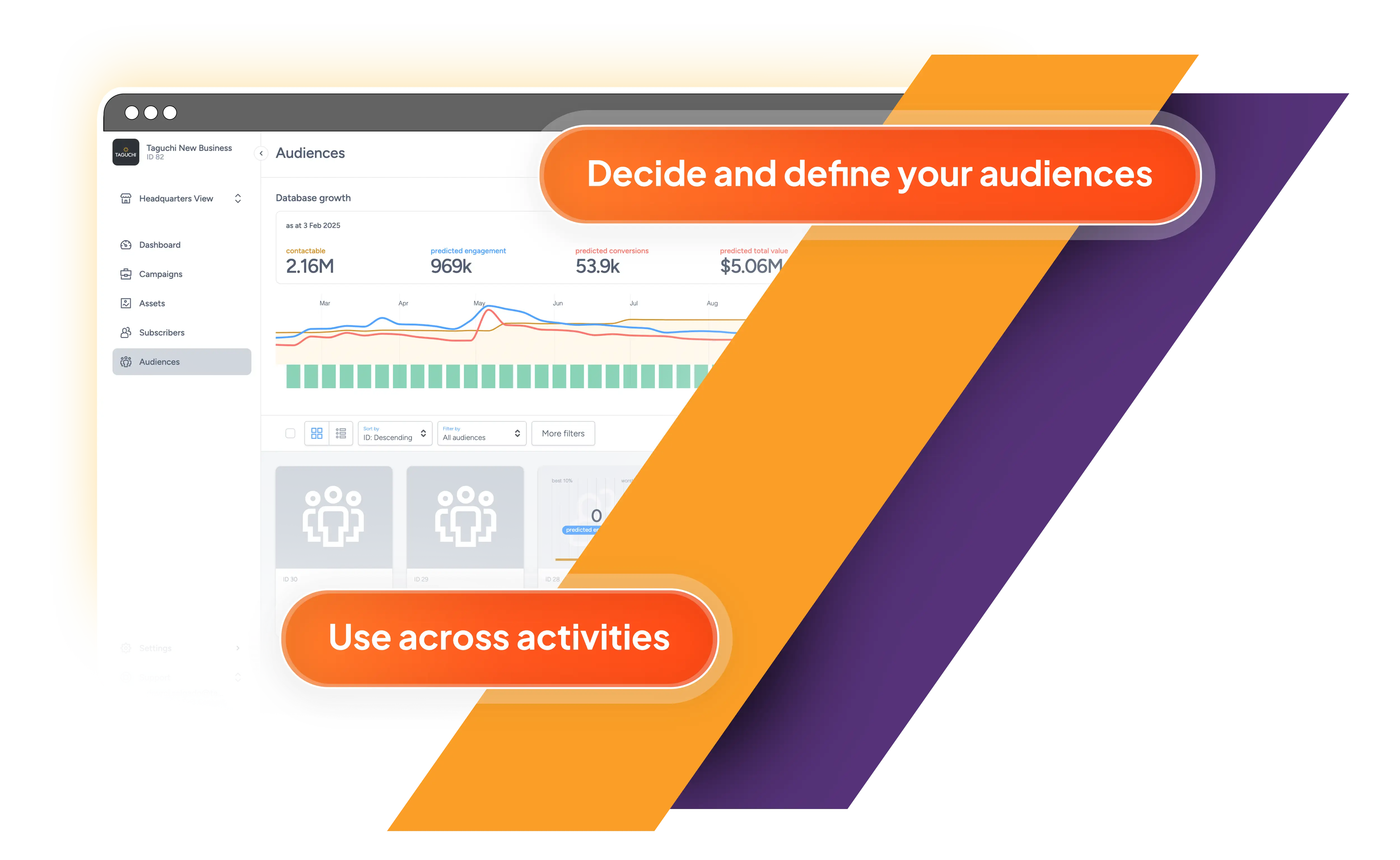
Taguchi Target Expressions combine mobile context with subscriber attributes, lists, reusable audiences, purchase history and previous engagement. Marketers can identify people who are contactable by push, refine audiences using application, platform, device or language data, and respond to behaviour across channels.
The same logic powers content segmentation. A loyalty tier can receive a different message, a language preference the right copy and an app group an appropriate action—all without multiplying campaign builds. Live estimates and activity checks keep likely reach visible before deployment.
Connect the mobile moment to the wider journey
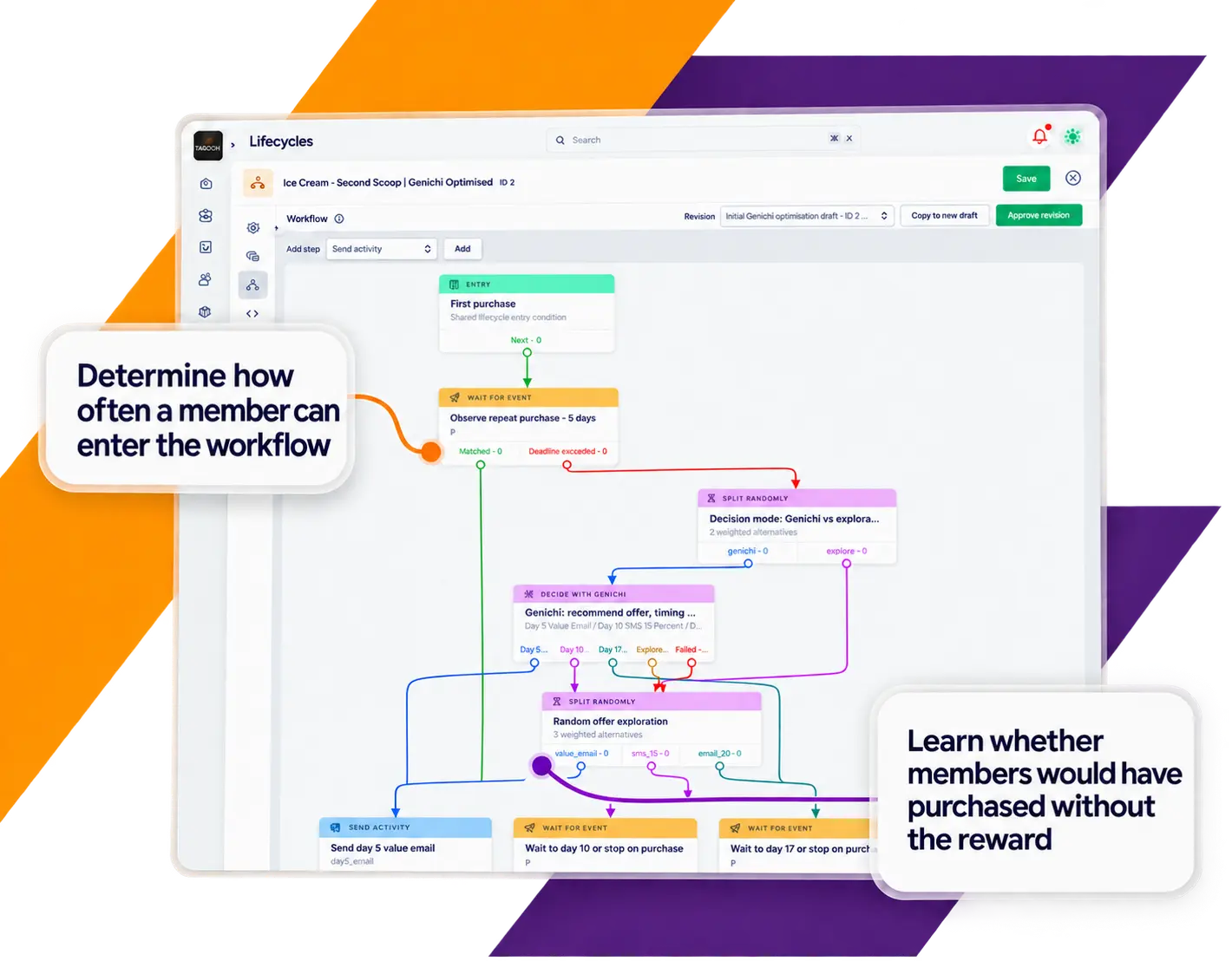
A mobile journey may begin elsewhere. An email can introduce an offer, a push can provide a timely reminder and its button can open the relevant in-app experience. The customer can then browse, reveal a code or move to the right part of the app. Each activity remains within one campaign and governance workflow.
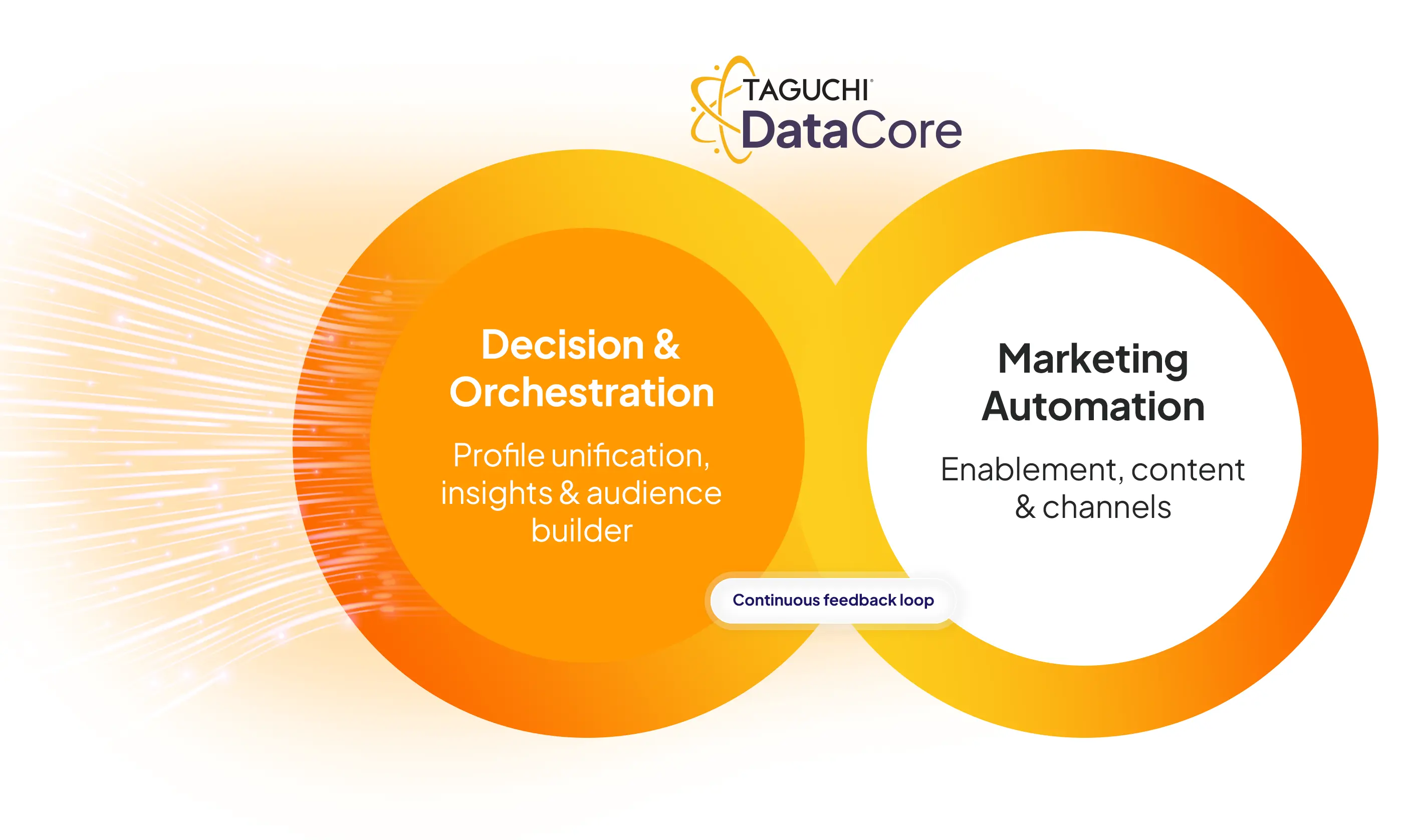
App usage and conversion events can return to the Taguchi profile, informing reporting, targeting and subsequent triggers. The next email, SMS, WhatsApp or mobile interaction can reflect what the customer actually did. Omnichannel engagement becomes a connected decision loop rather than a collection of sends.
Measure more than delivery
Push reporting brings sends, opens, app interactions, conversions, value and unsubscribes into view, with time-series and segment-level performance. In-app reporting covers views, clicks, interactions and conversions, distinguishing between displaying an experience and prompting a response.
Teams can compare creative and audience strategies, then improve the next journey. Mobile thumbnails add visual context to activity cards, while subscriber profiles bring recent push and in-app engagement alongside other channel activity.
Mobile engagement without another silo
The goal is not more notifications. It is to recognise a valuable moment, select the right device, earn attention and make the next action effortless. Creative flexibility, audience intelligence and integration must work as one system.
With richer push authoring and native in-app messaging, Taguchi makes the app part of the complete customer relationship. Marketers gain a more expressive channel, customers receive a more coherent journey and organisations retain the controls needed to scale it responsibly.
For practical guidance, explore the Push Notification Integration, Target Expressions, mobile app tracking and the V5 User Guide on Taguchi Support. To learn more about mobile engagement with Taguchi, visit the mobile push notifications page on the Taguchi website.