A faster, more modern Taguchi: dark mode, device previews and finer-grained access control
Marketing technology is being asked to move at two speeds in 2026: respond faster to customers while protecting brand, data and operational control. A modern platform cannot make users choose between speed and confidence.
The window for earning attention is getting shorter. Adobe’s 2026 AI and Digital Trends research finds that half of customers give promotional emails, advertisements and social posts only two to five seconds to capture their interest. It also finds that 80% of organisations expect standout customer experiences to become highly personalised and anticipatory in real time.
That ambition depends on the everyday working environment. Taguchi’s latest platform modernisation improves how marketers view, create and find their work, while strengthening the administrative foundations that let large and distributed teams operate safely at scale.
A workspace that adapts to the user
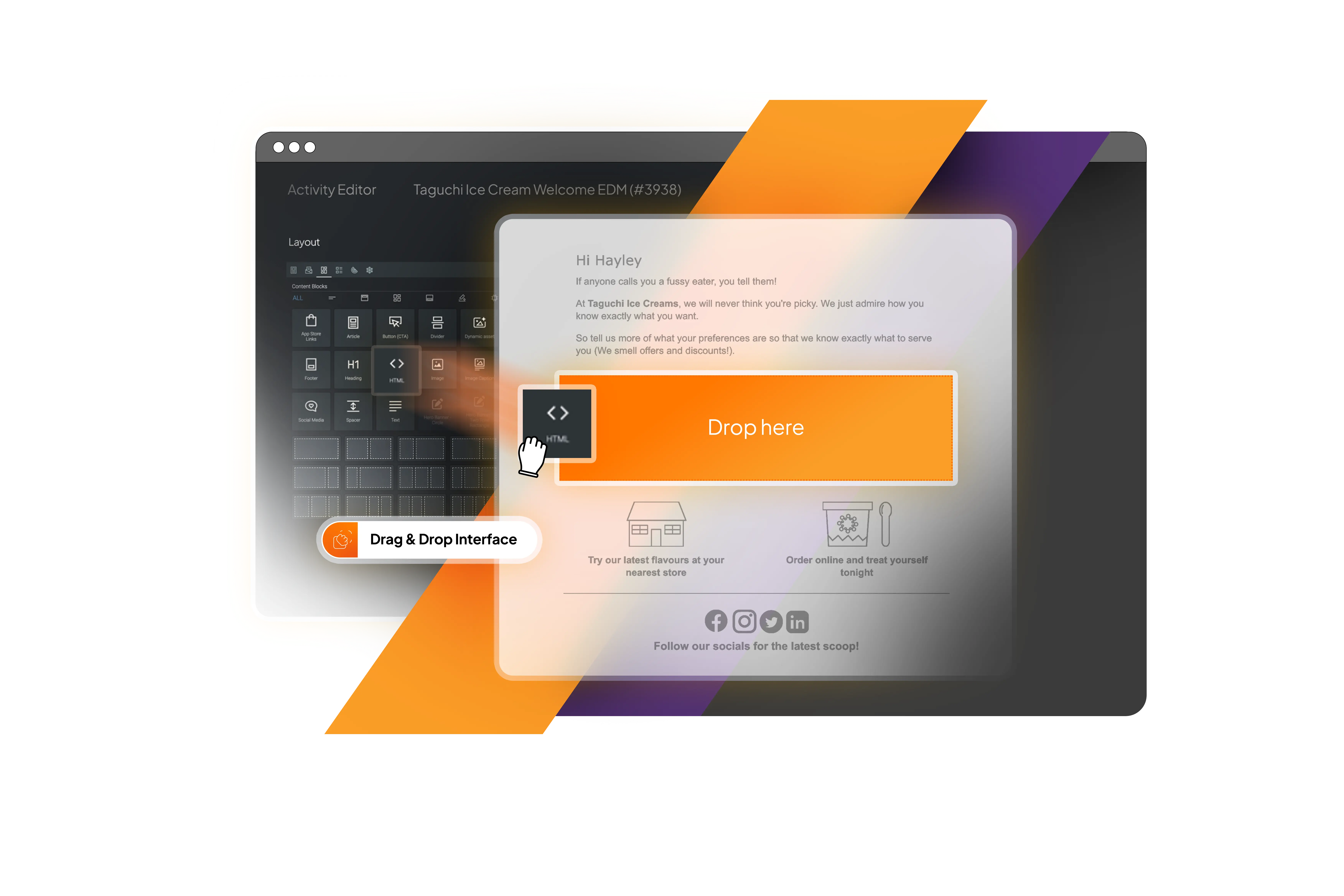
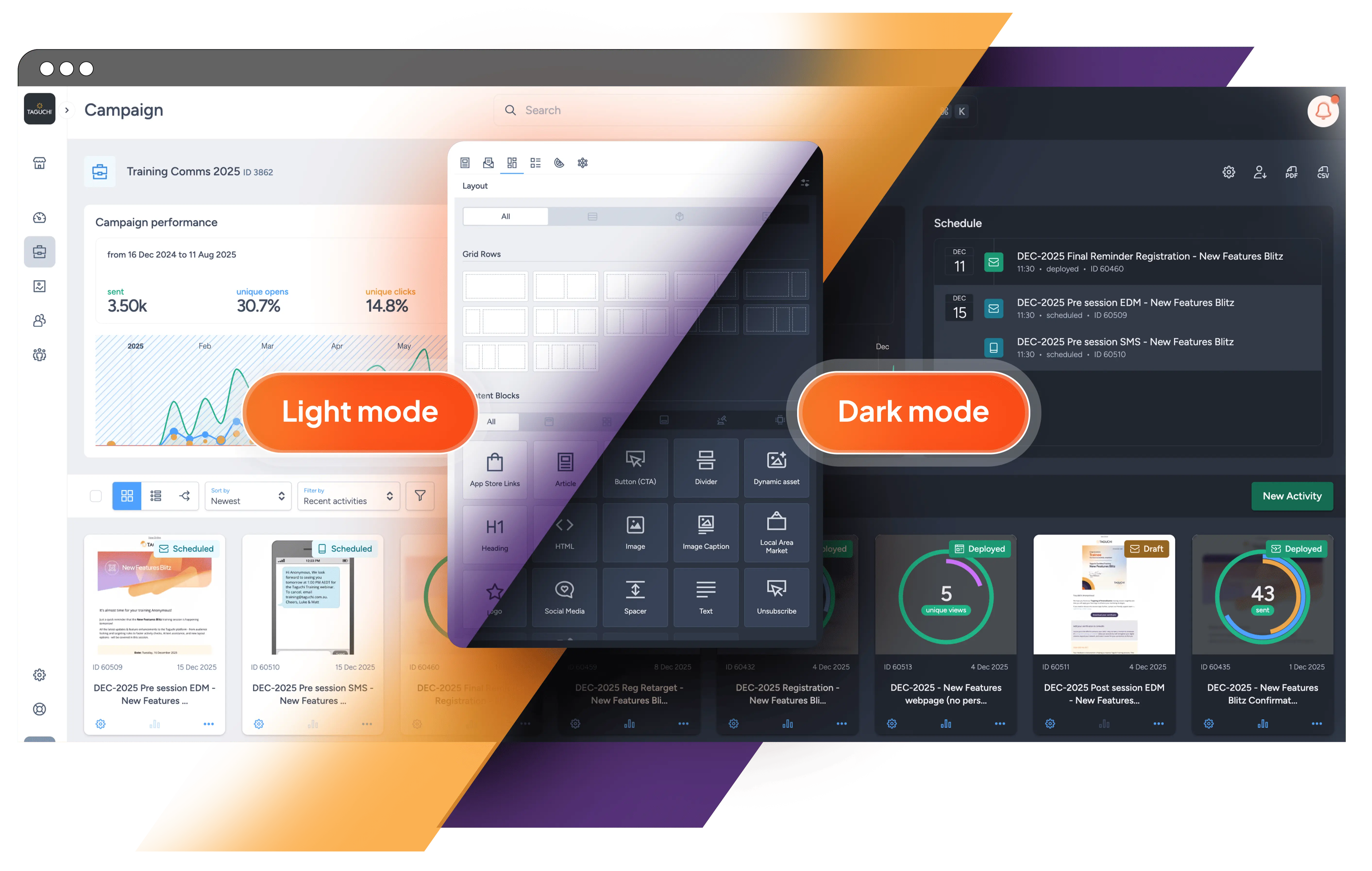
Taguchi now offers three appearance settings: Light, Dark and System. System mode follows the computer’s current setting, the selection is remembered and a keyboard shortcut makes switching easy. Whether someone is reviewing creative in a bright studio or scheduling a campaign after hours, the workspace can suit the environment.
This is more than an inverted palette. The rollout touched more than 220 interface files, spanning the activity editor, dashboards, reports, forms, notifications and tooltips. Contrast, icons and interaction states remain coherent in either mode. The setting changes the Taguchi workspace—not how an email renders in a recipient’s inbox—so marketers retain control of the customer-facing creative.
Preview the message in the customer’s world
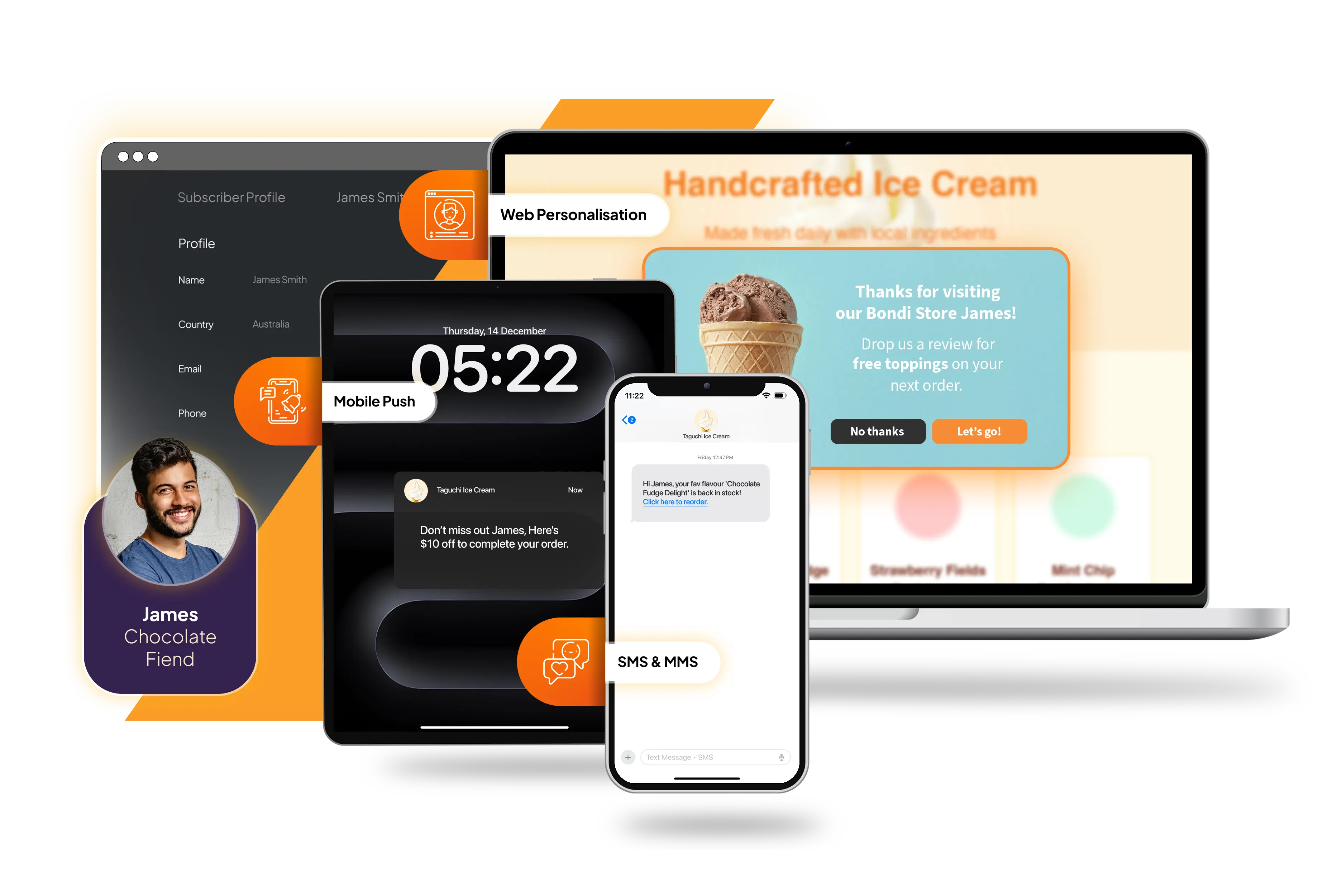
A message arrives inside an operating system, an app and a moment of attention—not on a blank canvas. Taguchi’s new device-preview framework shows SMS, WhatsApp and push-notification activities in recognisable iOS and Android environments. Depending on the channel, marketers can move between message or conversation, lock-screen and home-screen views while they edit.
Copy, media, sender details and notification layout can therefore be assessed where the customer will encounter them. A truncated headline or overly dominant image becomes apparent earlier, reducing avoidable revision cycles. The preview does not replace final proofing on priority devices, but it puts useful context much closer to the creative decision.
AI assistance, with the marketer still in control
Taguchi’s first AI-assisted authoring feature brings suggestions into compatible activity fields. Marketers can ask for ideas for subject lines, preheaders, headings, calls to action, body copy and image alt text without leaving the editor. Length, tone, source material and campaign goal guide the result, which can draw on the current field or wider activity content.
Users can regenerate a suggestion before inserting it, then edit it like any other content. This is deliberately assistance, not autopilot: results may be incomplete or contextually inappropriate and should be verified. AI can shorten the blank-page stage; the marketer still owns accuracy, brand voice and approval.
Find the right result, not simply the newest one
As activities, campaigns, lists, subscribers and assets accumulate, search quality becomes a productivity feature. Global search now ranks results by relevance: exact IDs and names come first, followed by names beginning with or containing the query and then partial ID matches. Resource type and recency act as smaller tie-breaks.
The result is a small but frequent saving. Users spend less time scanning similarly named records, while exact references remain the fastest route when they are available.
Finer-grained access for distributed teams
Speed becomes risky when every useful task requires broad administrative access. Taguchi has introduced seven dedicated view and manage roles across integrations, custom fields, partitions and coupon types. Interface routes and actions respond to those capabilities, helping administrators apply least-privilege access without keeping routine work from the people who need it.
Partition sets can also be managed directly in Settings. Head office teams can create a named set, assign an external ID and optional type, then find and add partitions by ID, reference or custom-field data. That turns individual locations into useful operating groups—such as a region, brand or ownership network—without a separate technical process.
Connect warehouse audiences without competing sources of truth
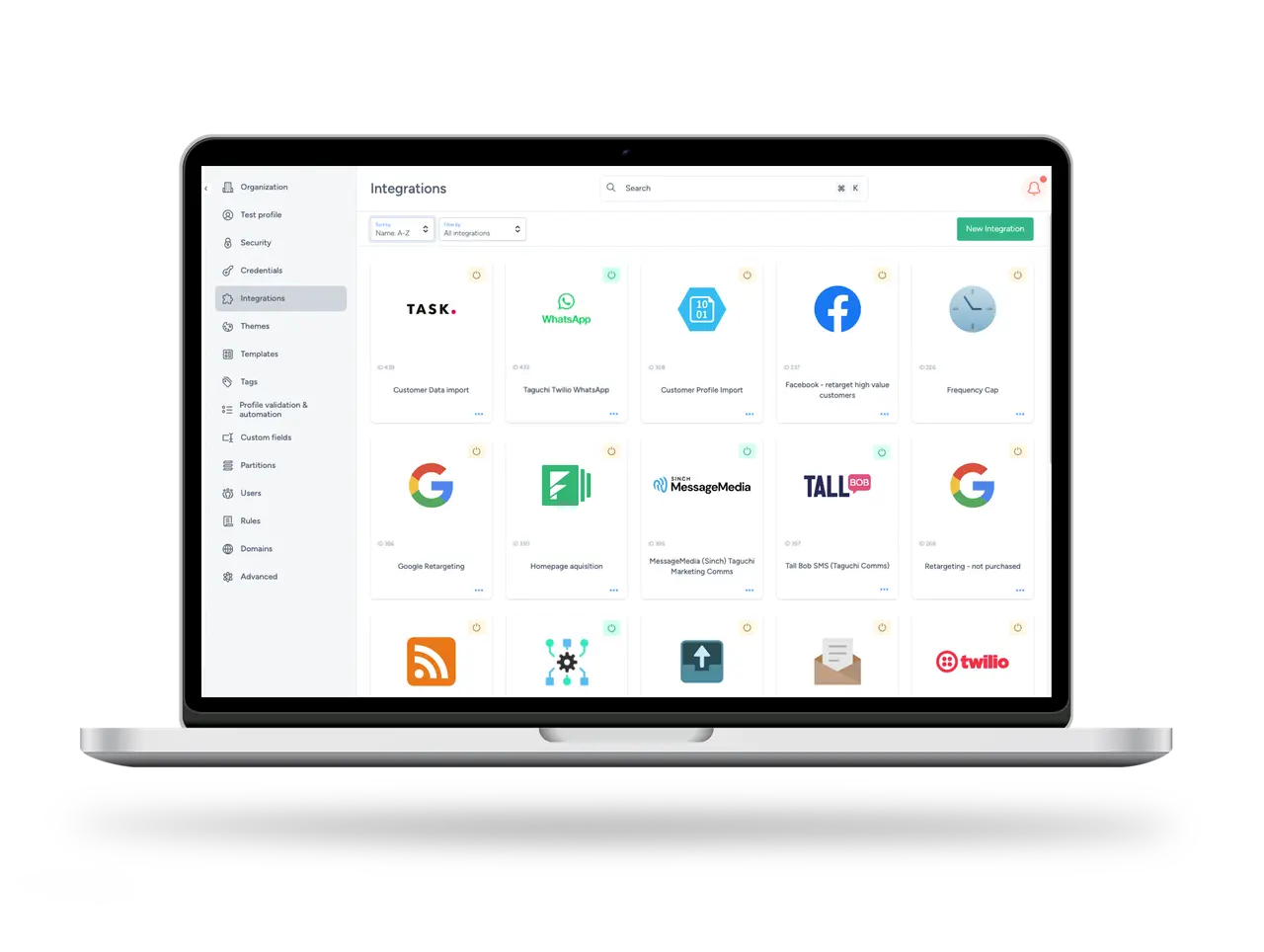
Modern administration also means making connected data easier to govern. The new Snowflake service-account credential supports reusable connections for scheduled, query-based imports of subscriber, custom-field, list, partition and audience data. Integration setup retrieves source fields, types and sample values before mapping, replacing guesswork with information from the query itself.
External audience synchronisation can create or update membership from warehouse data, adding new members and removing those no longer present. These audiences are labelled as externally managed and cannot be given a competing targeting rule in Taguchi. The source of truth remains clear while the audience becomes available for activation and reporting inside the platform.
A modern foundation for faster improvement
Some of the most important work sits beneath the interface. Through early 2026, Taguchi’s admin application has progressively moved components to the Composition API and application state to Pinia—the architecture underpinning the Vue 3 generation of the platform. By April, the remaining class-based components have been converted and the final Vuex dependencies removed.
This application-wide preparation creates clearer state ownership, more consistent component patterns and a lower-risk base for the Vue 3 runtime. The value will compound: a simpler front-end architecture helps Taguchi improve the product faster while keeping the experience consistent as new capabilities arrive.
Modernisation that removes friction
A modern interface should reduce the distance between an idea and a confident decision: generate a starting point, see the message in context, find the right record, give each colleague appropriate access and keep connected data under clear ownership. Taguchi is becoming faster to work in, easier to govern and better prepared for what comes next—without asking enterprise teams to trade control for convenience.
For practical guidance, explore Light and Dark Mode, AI Assistance, Partition Sets and the Snowflake integration guide on Taguchi Support. To learn more about Taguchi’s distributed customer engagement platform, visit the Taguchi website.